


ID: 100031473
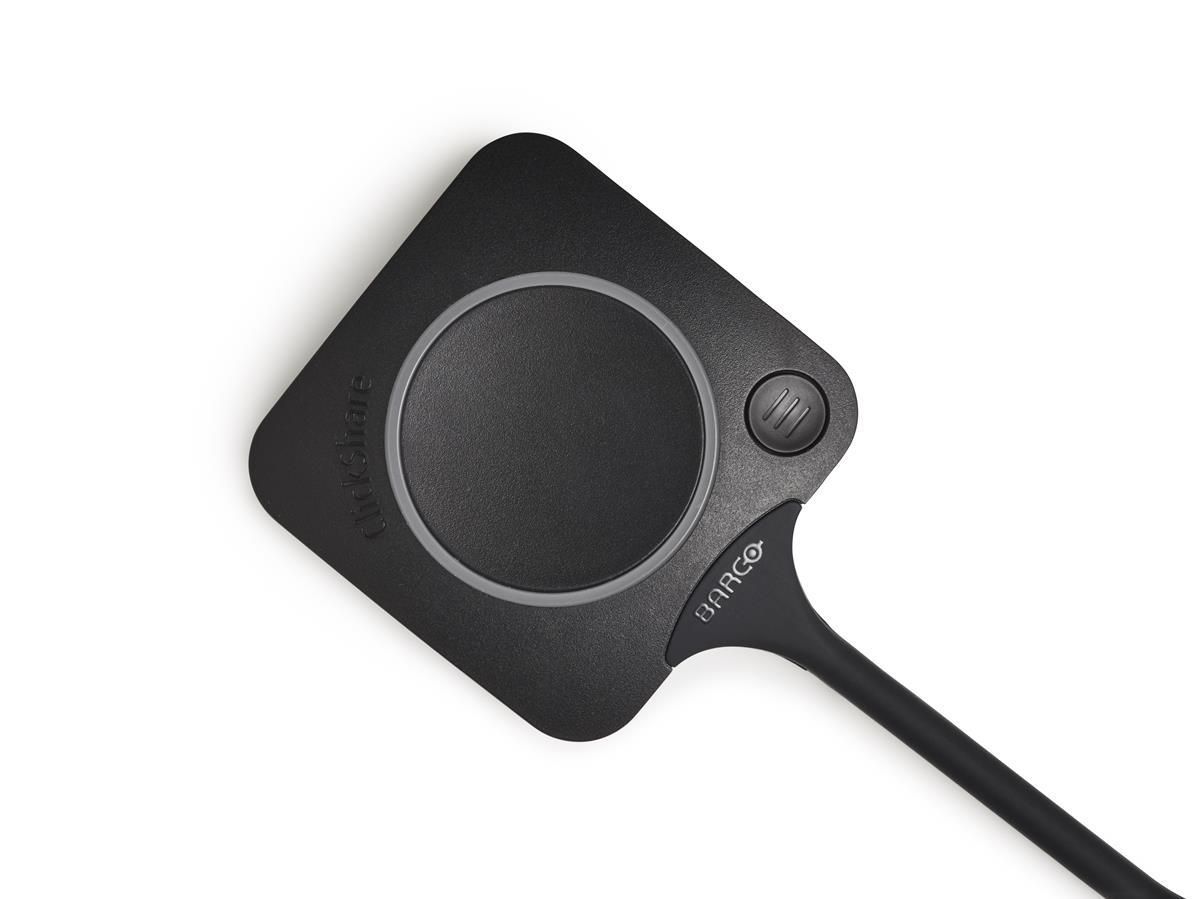
ClickShare USB-C button for C
OEM Number
EAN
5415334026018
In stock: 10-19
Delivery: 2–4 weeks
The ClickShare Conferencing Button instantly gives you access to wireless conferencing, a more immersive, interactive and guest-friendly meeting experience. Set up your remote meeting with your preferred UC solution. Plug in the USB-C device in your laptop, click and in less than 7 seconds, you are automatically connected to meeting room cameras, microphones, soundbars and any other AV peripherals. You get richer audio, have wider views of the room and can add video to your mix.
With the additional Quick Button you can bring the big screen back to your device, a feature called ‘local view’. The Quick Button also activates advanced power functionalities like ideation, moderation, snapshots, control of AV equipment...
Alternatively, you can share content with the ClickShare Collaboration App with a similar advanced set of collaboration features at your disposal: pause, window selection, extended desktop, ideation and moderation. Combining both Button and App provides an intuitive, rich way of collaborating.
With the additional Quick Button you can bring the big screen back to your device, a feature called ‘local view’. The Quick Button also activates advanced power functionalities like ideation, moderation, snapshots, control of AV equipment...
Alternatively, you can share content with the ClickShare Collaboration App with a similar advanced set of collaboration features at your disposal: pause, window selection, extended desktop, ideation and moderation. Combining both Button and App provides an intuitive, rich way of collaborating.
Recommended products

Barco / MPN: R9861611EUB1
ClickShare C10 GEN2
Price on request

Barco / MPN: R9861605EU
ClickShare C5 GEN2
Price on request

Barco / MPN: R9861612EUB1
ClickShare CX-20 GEN2 set
Price on request

Barco / MPN: R9861613EUB2
ClickShare CX-30 GEN2
Price on request

Barco / MPN: R9861622EUB2
ClickShare CX-50 GEN2
Price on request

Barco / MPN: B573071K
Wall mount Kit for C5/C10 and
Price on request
You also viewed
Go to catalog →


